
Smart matching
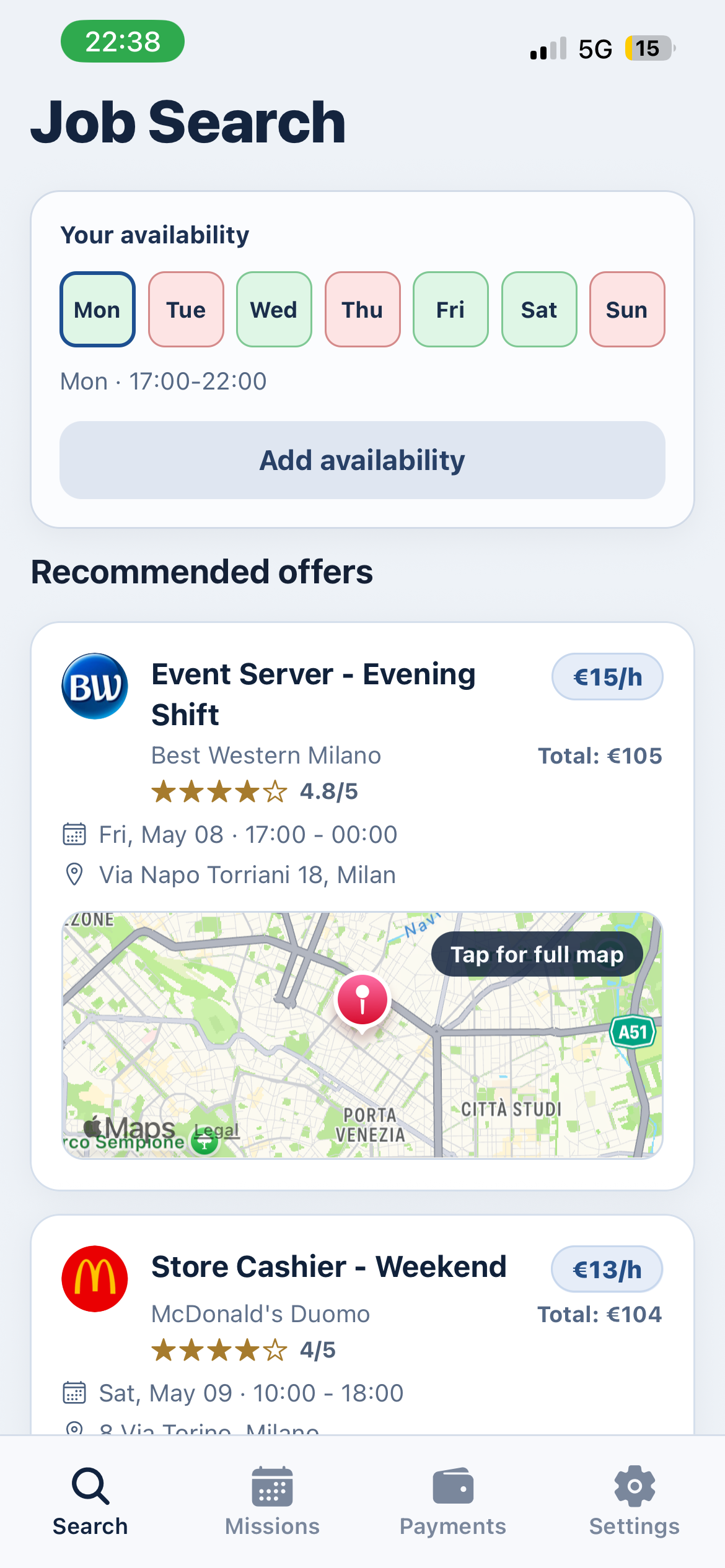
Job missions are matched with worker availability, skills, language, and reliability to reduce hiring time.
Staffing Tech - Hospitality & Events
Pronto helps companies find workers fast and helps workers get paid quickly. From mission creation to contract, invoice, and payout, everything happens in one app.
48h
Fast payout
Auto
Matching + Contract
End-to-end
Mission -> Invoice
Simple Concept
Job missions are matched with worker availability, skills, language, and reliability to reduce hiring time.
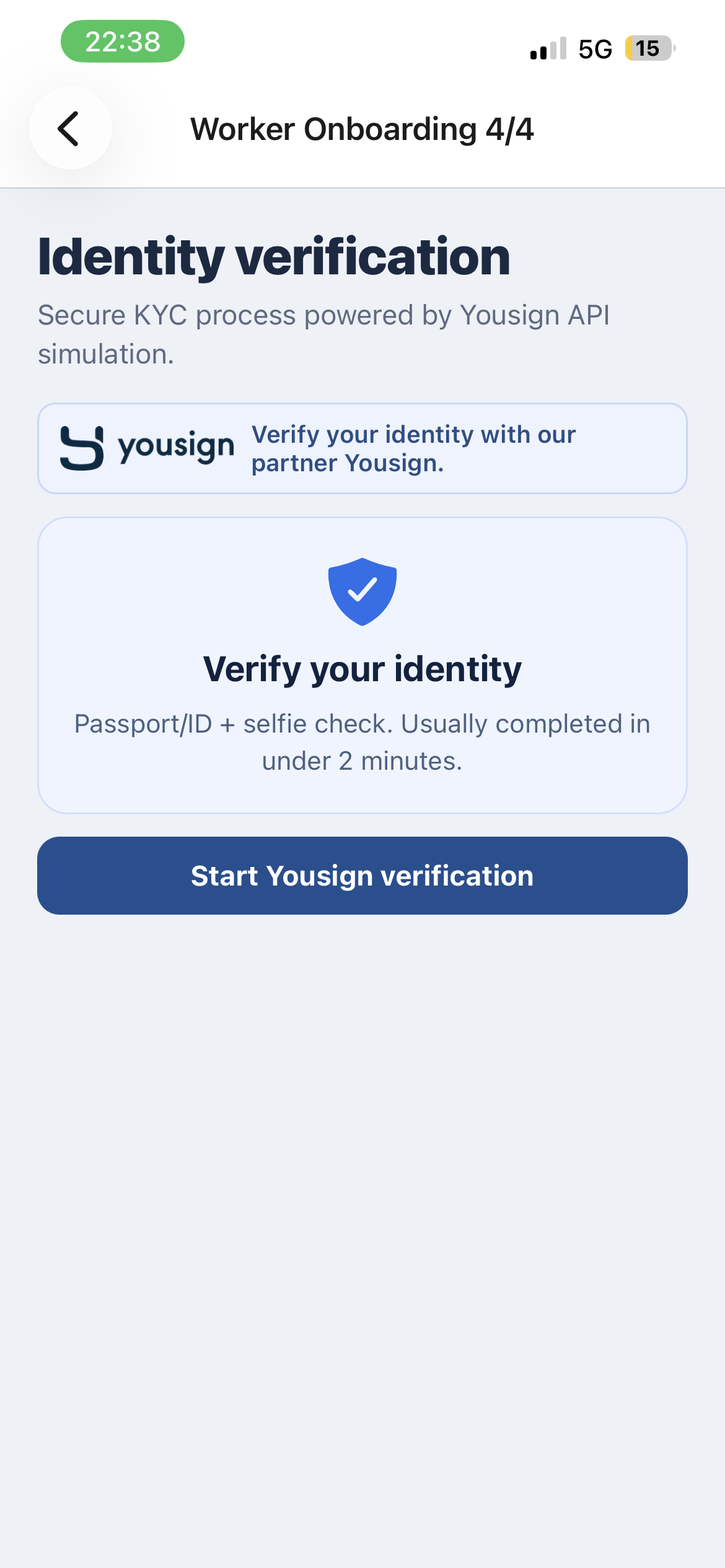
Contracts are generated and signed online, with compliance-friendly KYC/KYB style onboarding.
Workers can request their transfer directly in-app and receive fast payment after mission completion.
Employers can access invoices and required documents from one billing area.
Workers define days, time slots, and preferred working zones to get better job recommendations.
Employers track missions, candidates, statuses, and decisions in real time.
User Journeys
A single linear story: first how workers join and get paid, then how employers hire and manage missions.
First
Step 1
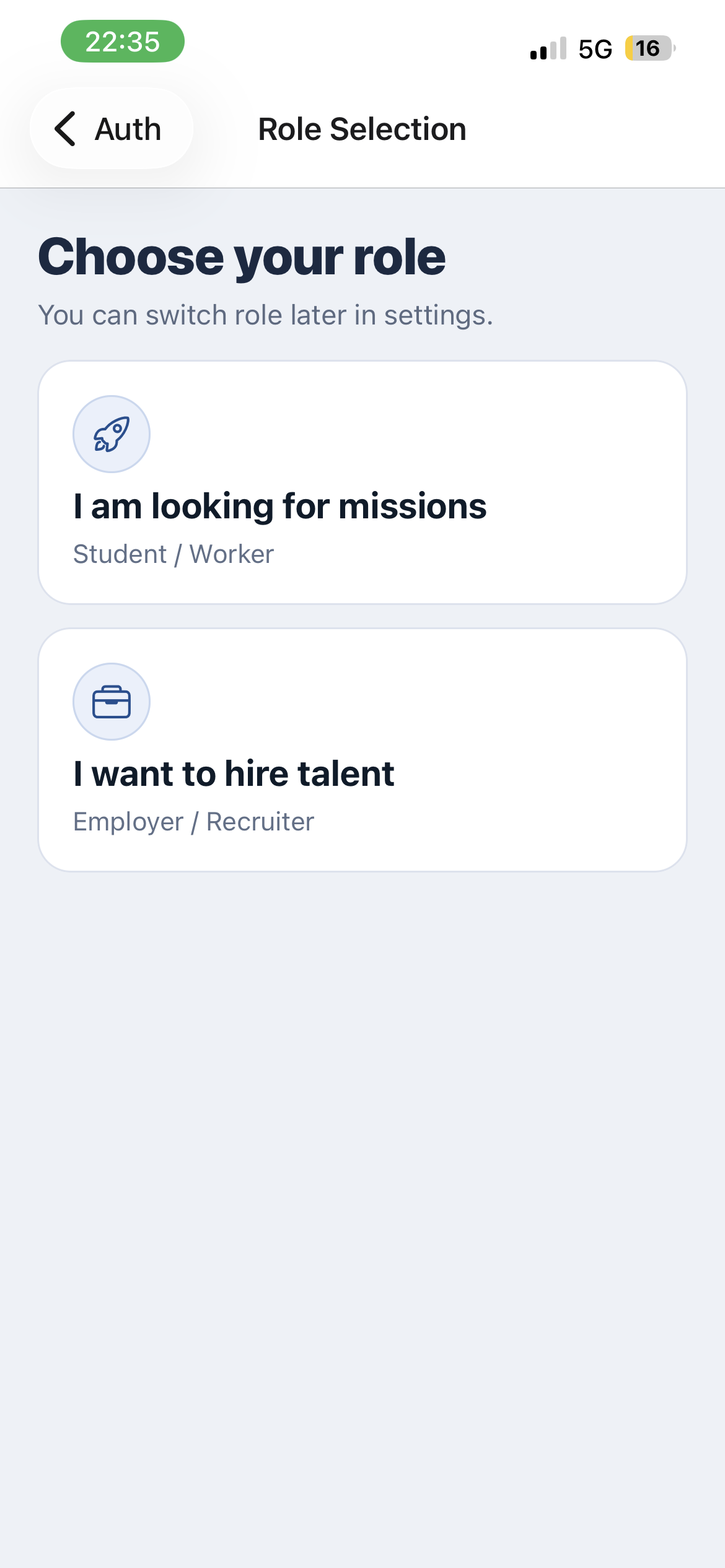
The user starts by selecting the worker experience, so the app immediately opens the right onboarding flow.
Step 2
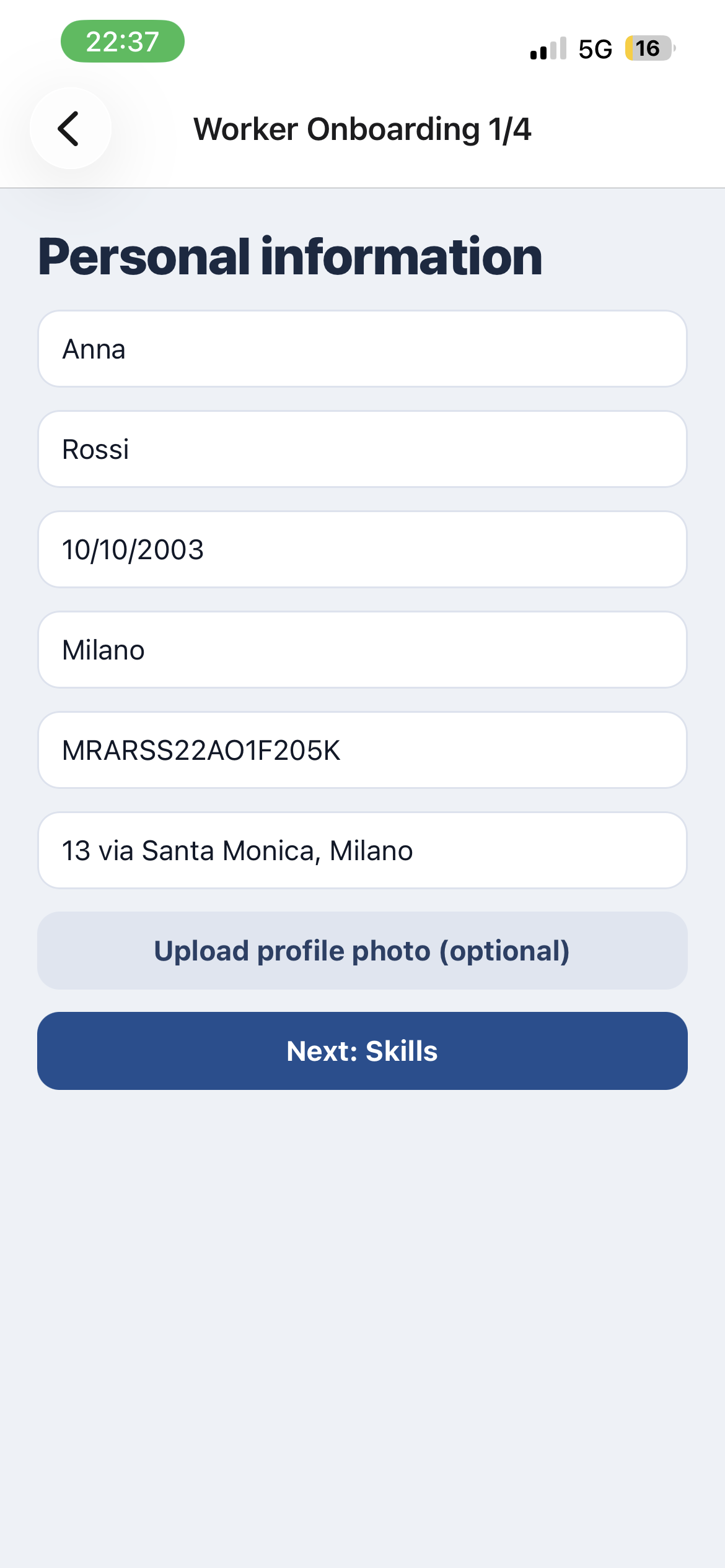
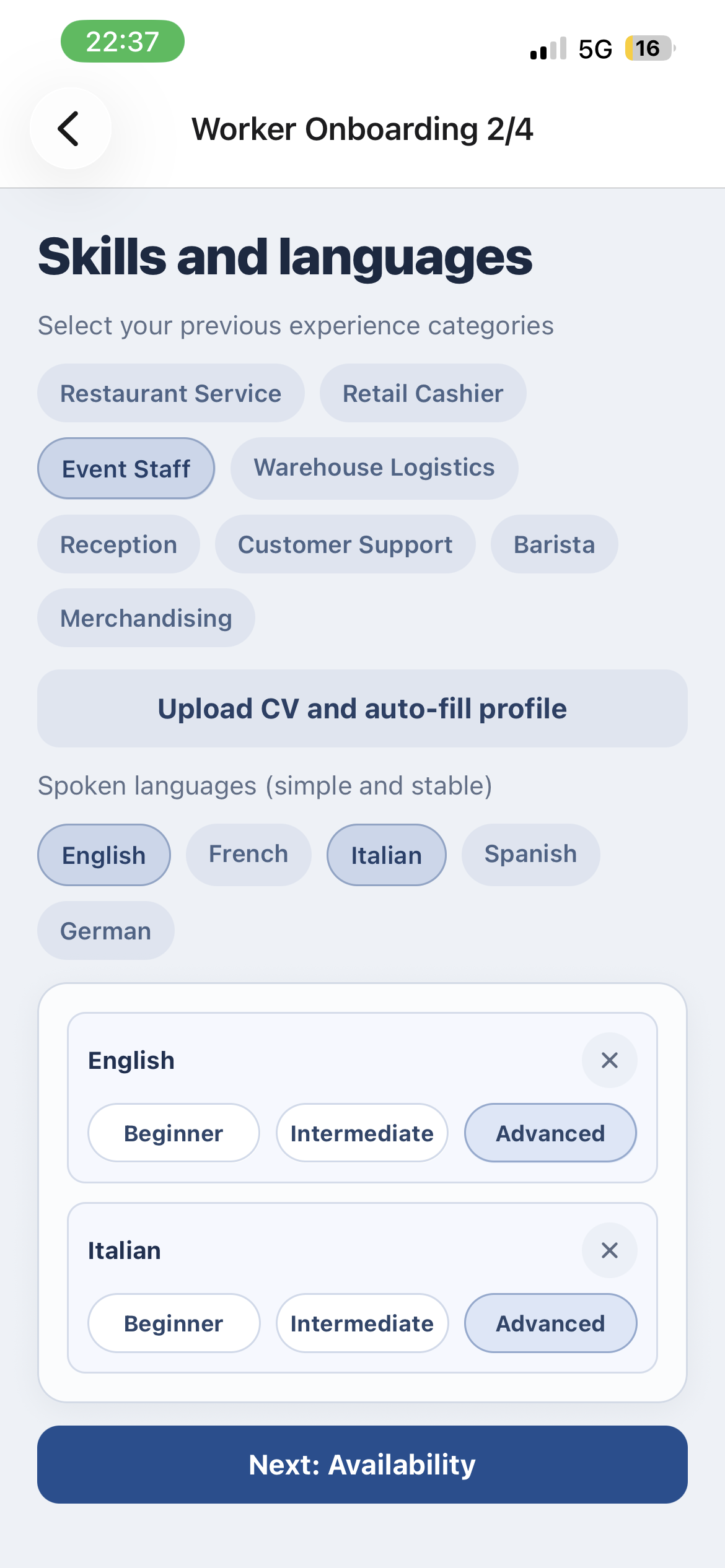
The worker adds personal details, skills, and profile information so Pronto can understand who they are.
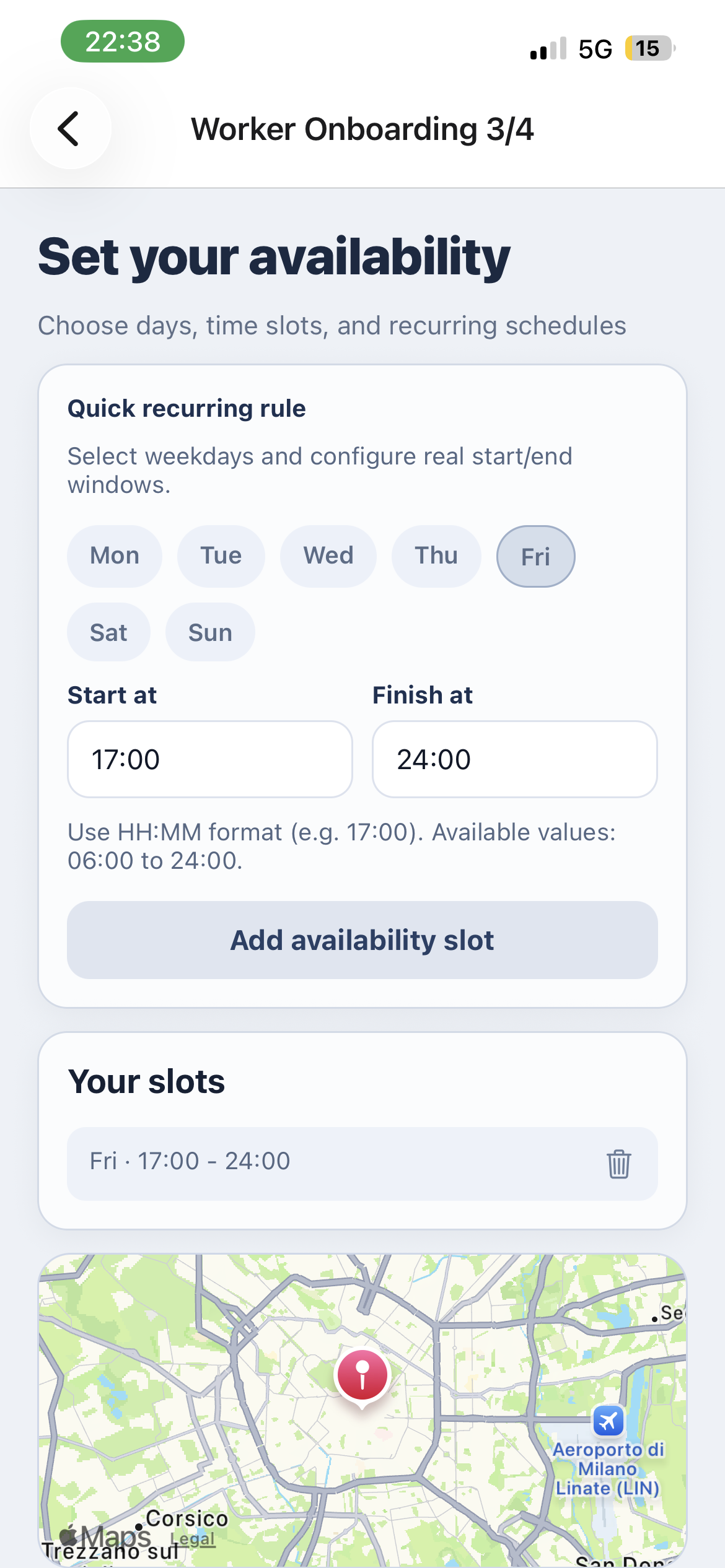
Step 3
The final onboarding step makes the account ready for real jobs, contracts, and future payouts.
Step 4
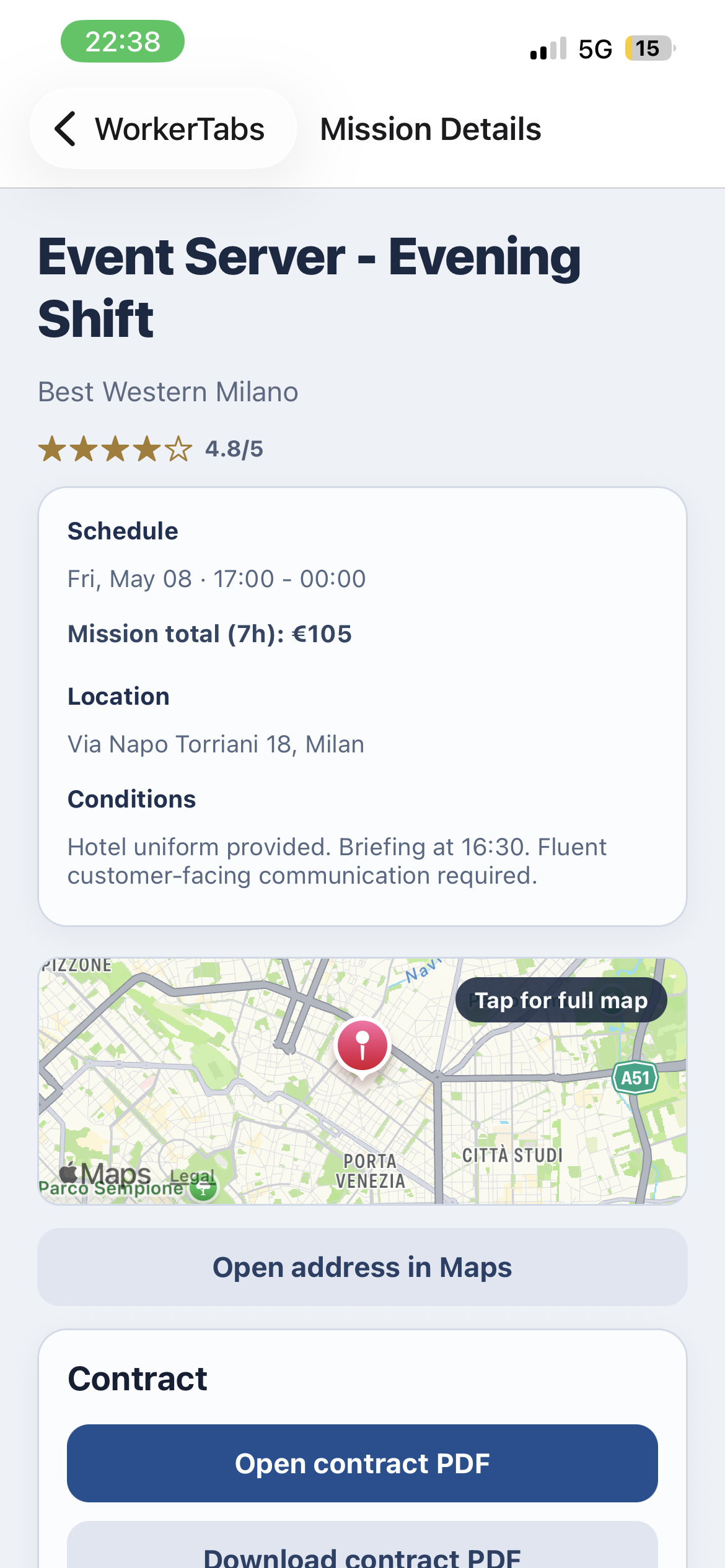
The worker browses job offers, compares pay and timing, and opens the mission description before applying.
Step 5
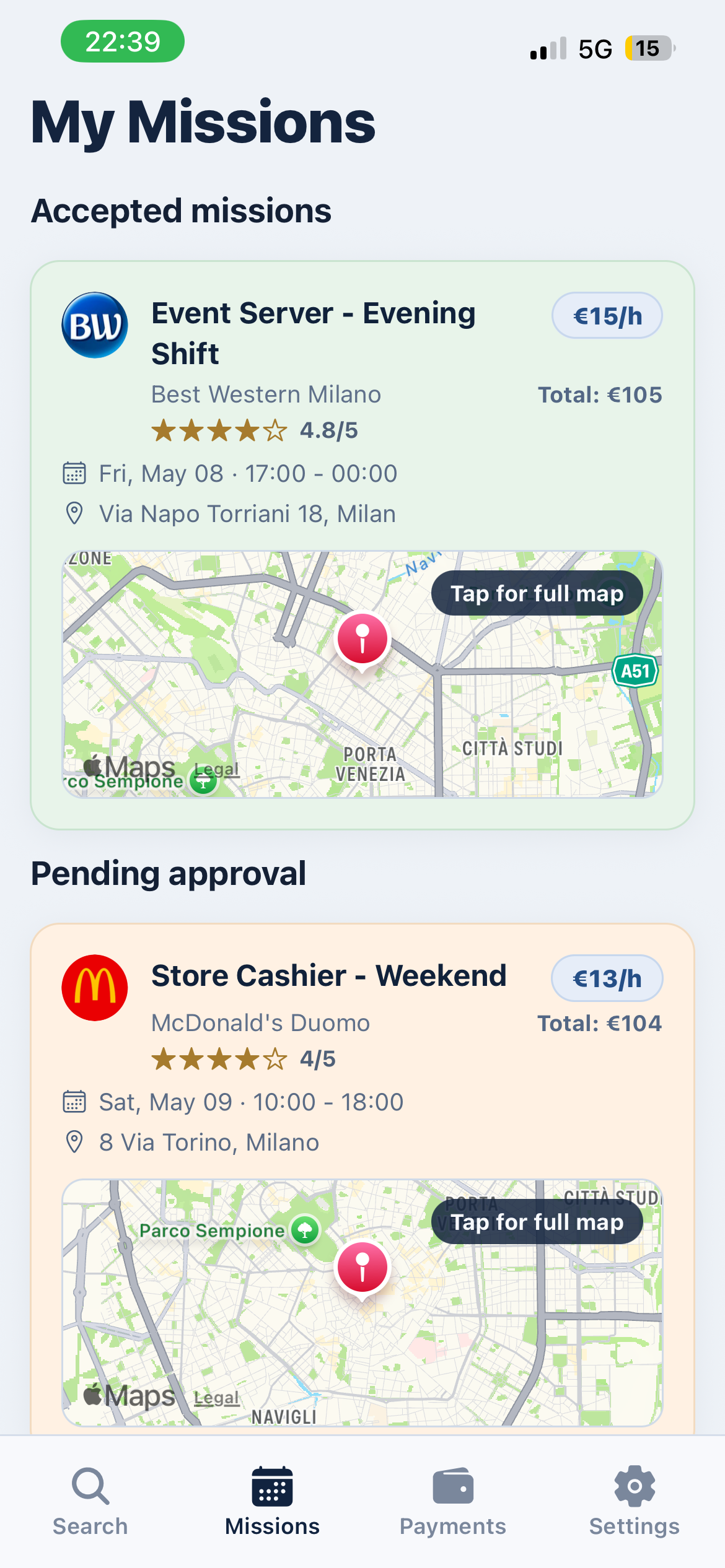
The missions page clearly shows what has been accepted and what is still pending approval.
Step 6
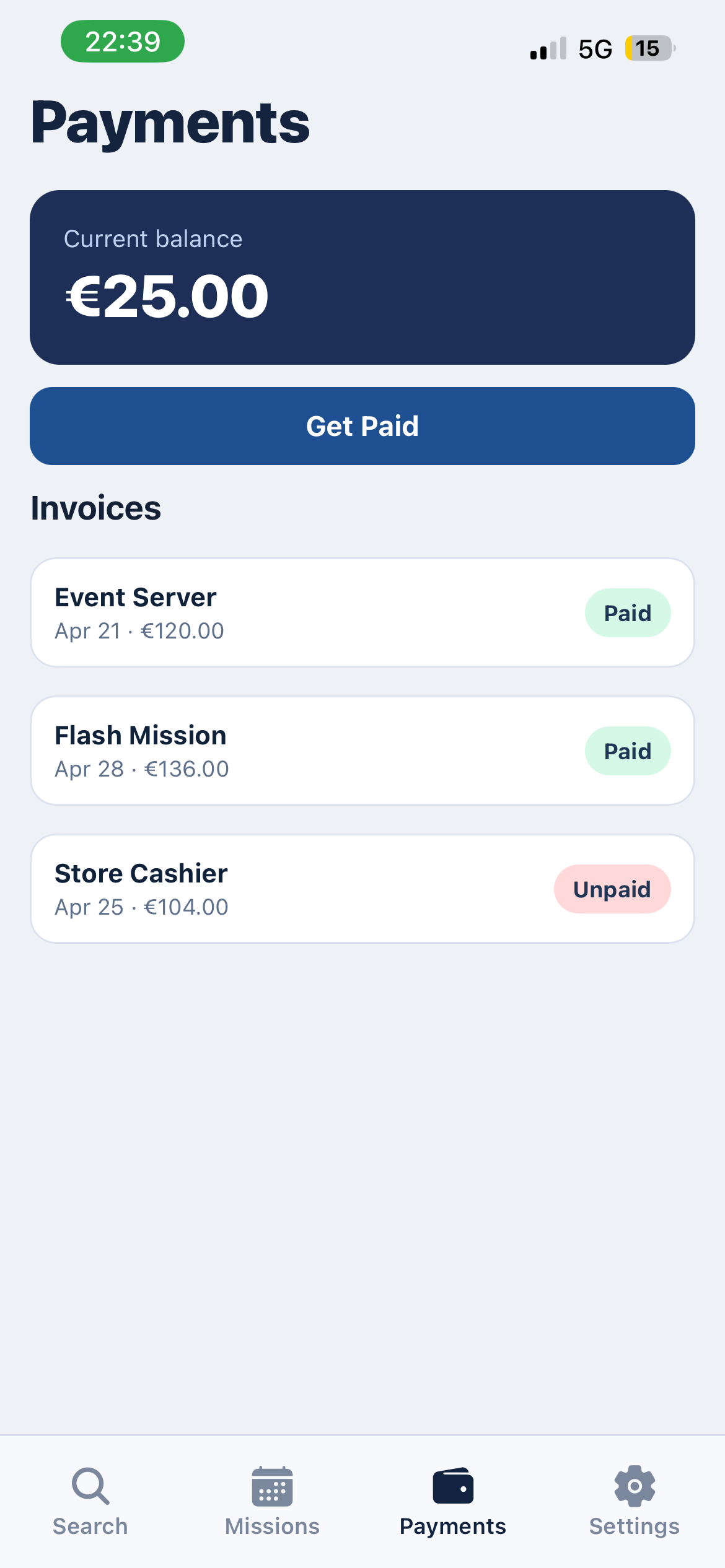
After the mission, the worker requests payment directly in the app and follows a simple payout flow.
Then
Step 1
The company enters the employer flow, clearly separated from the worker experience.
Step 2
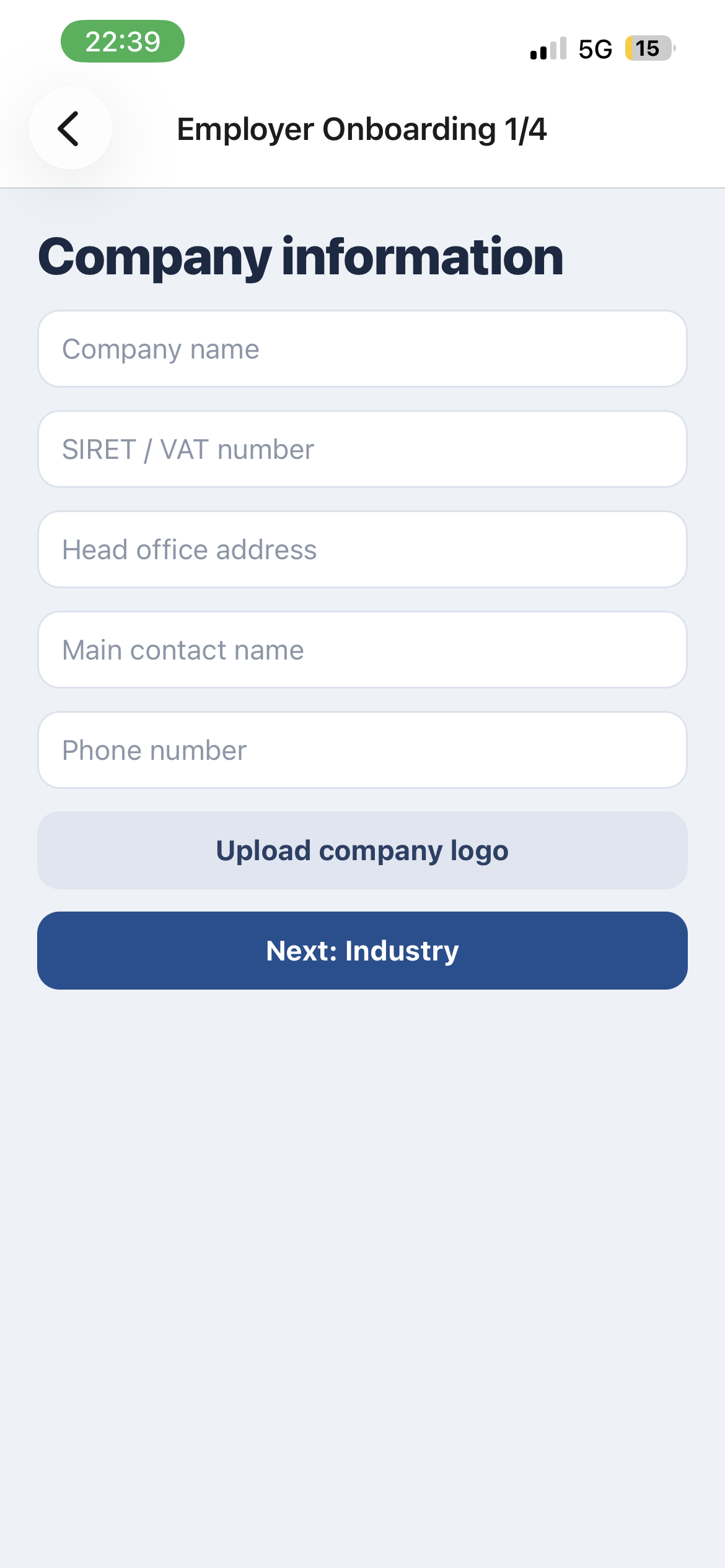
The employer fills in business and billing information to prepare the account for operations.
Step 3
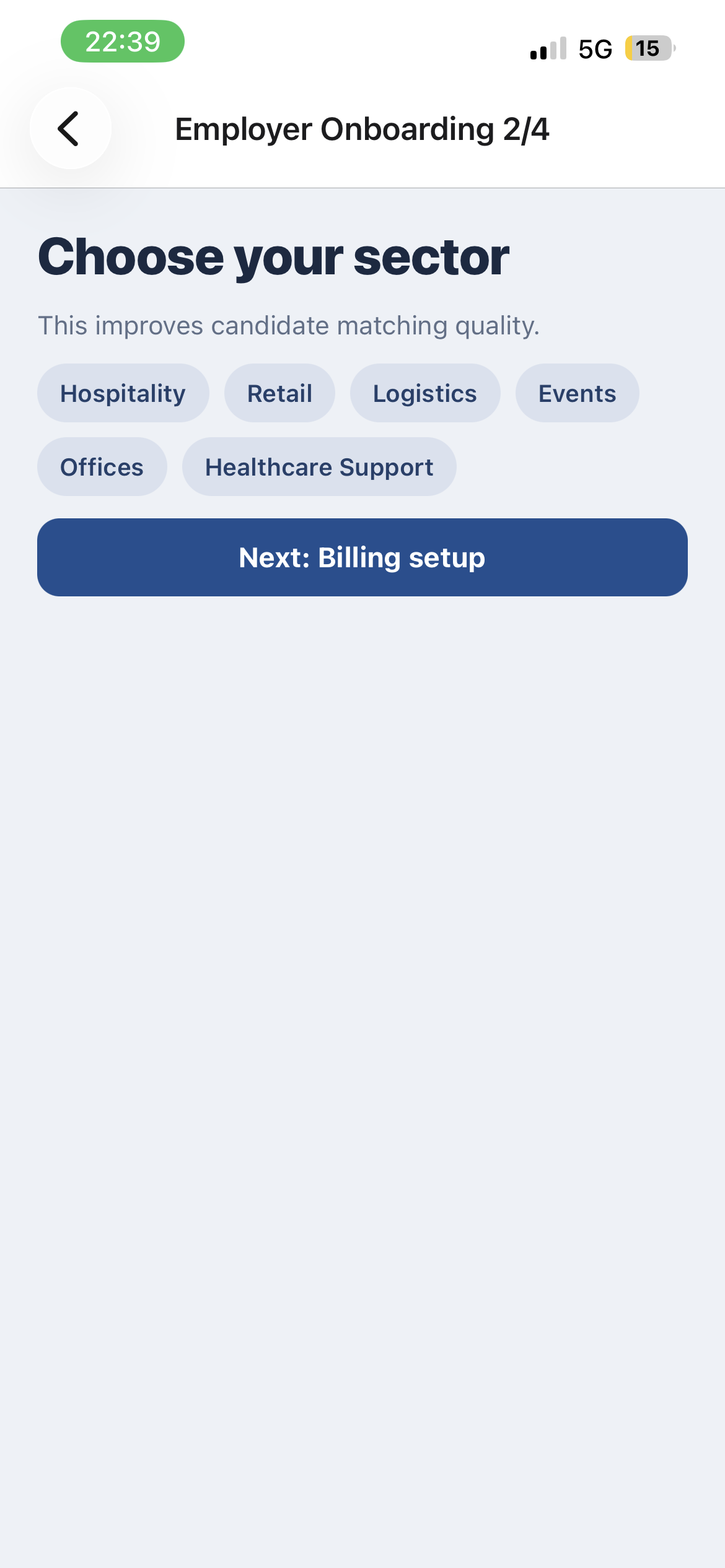
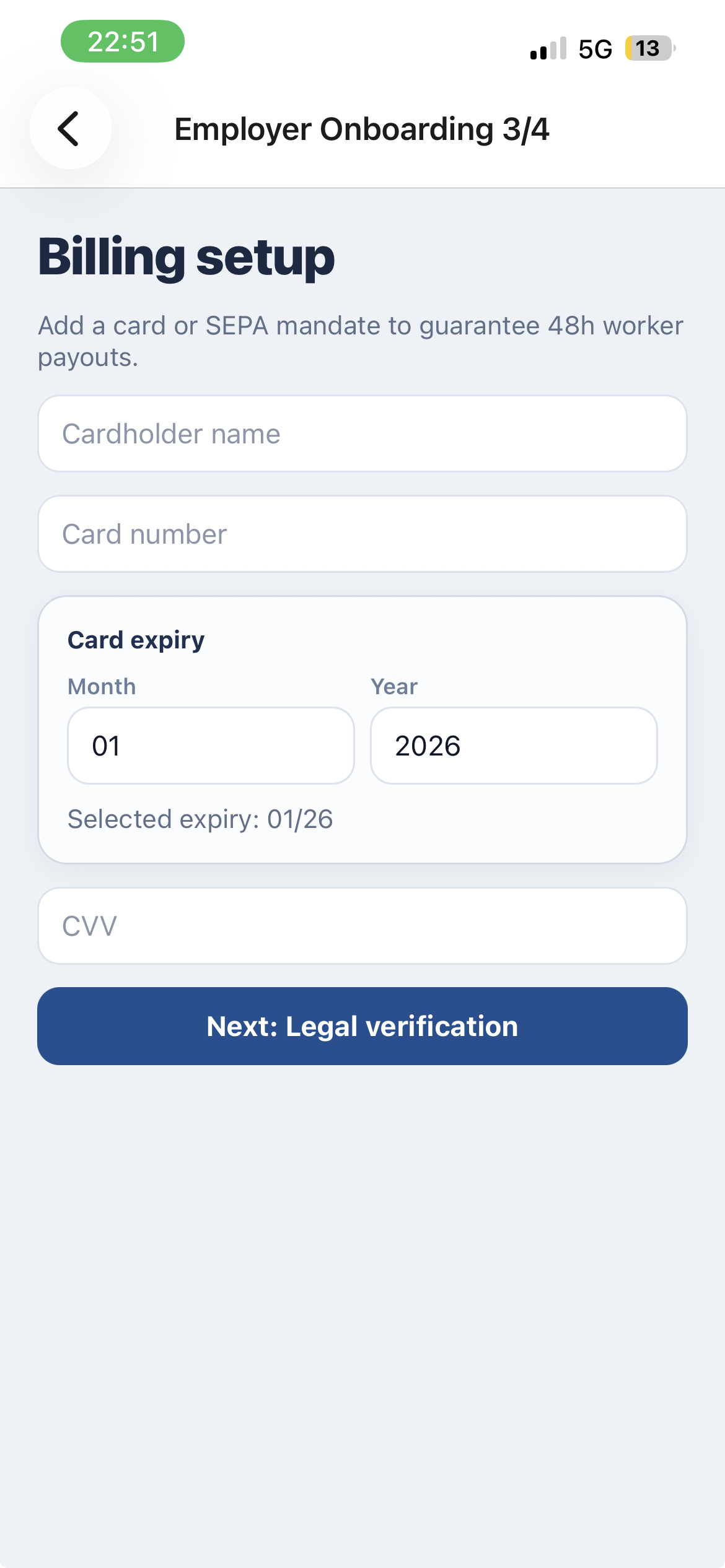
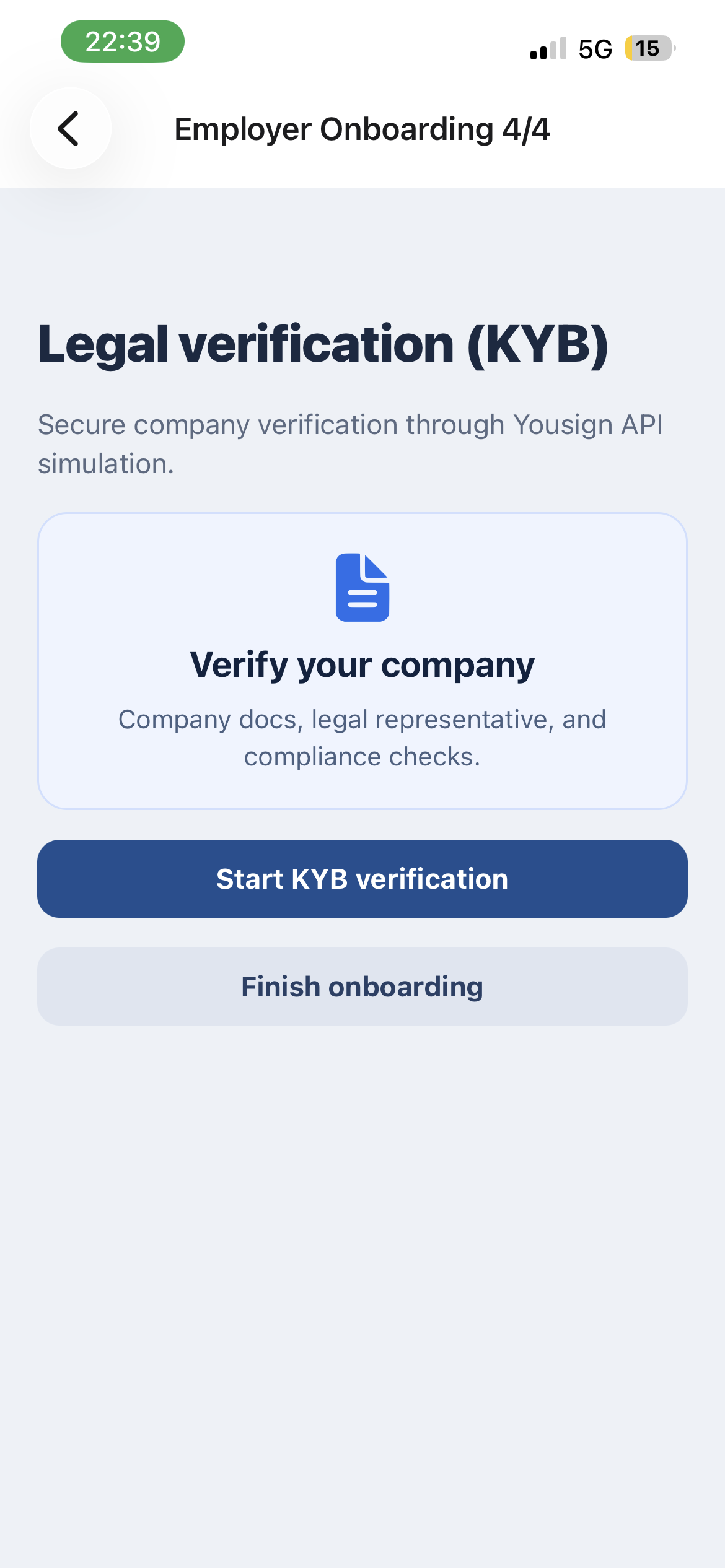
The company completes the setup and validation steps required to start hiring safely and correctly.
Step 4
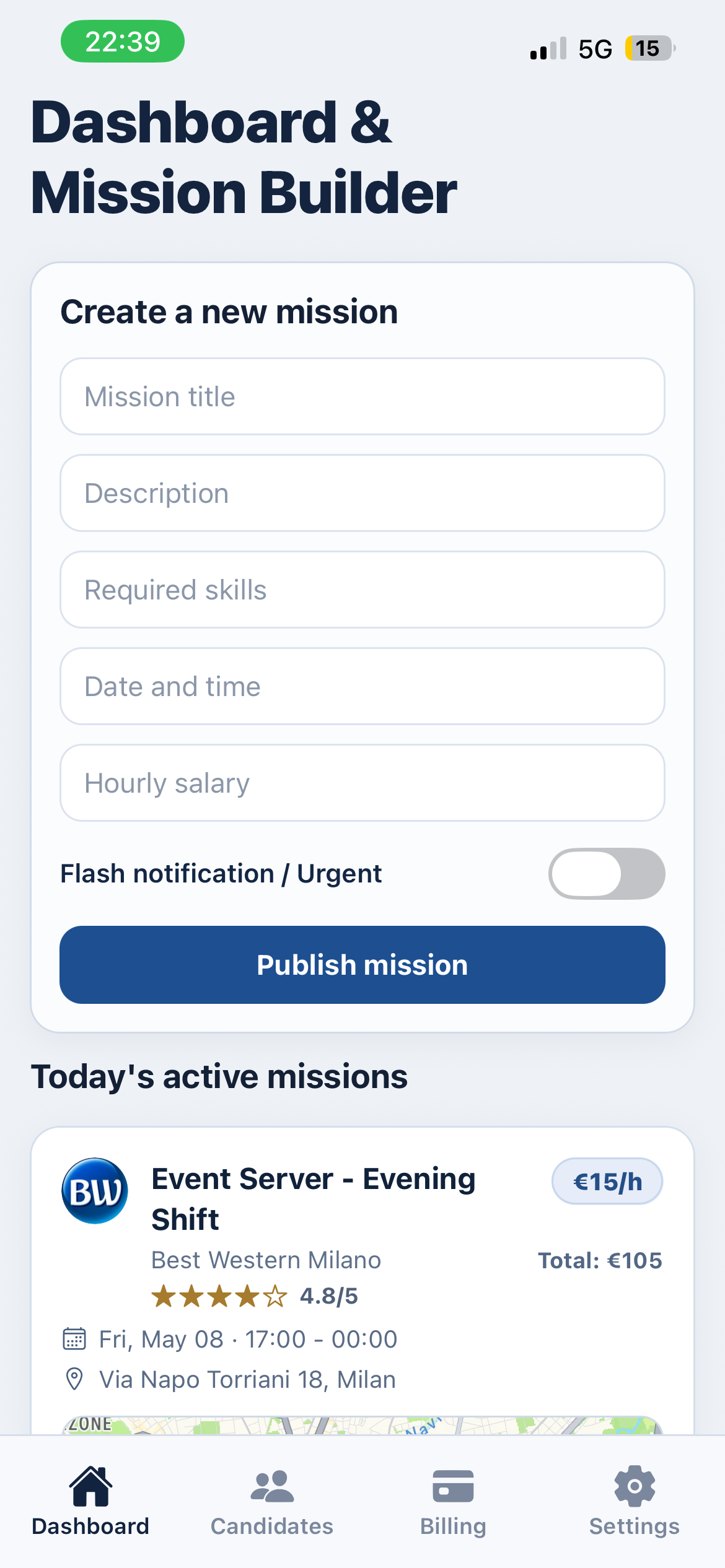
The employer creates a new job mission with pay, timing, and required skills.
Step 5
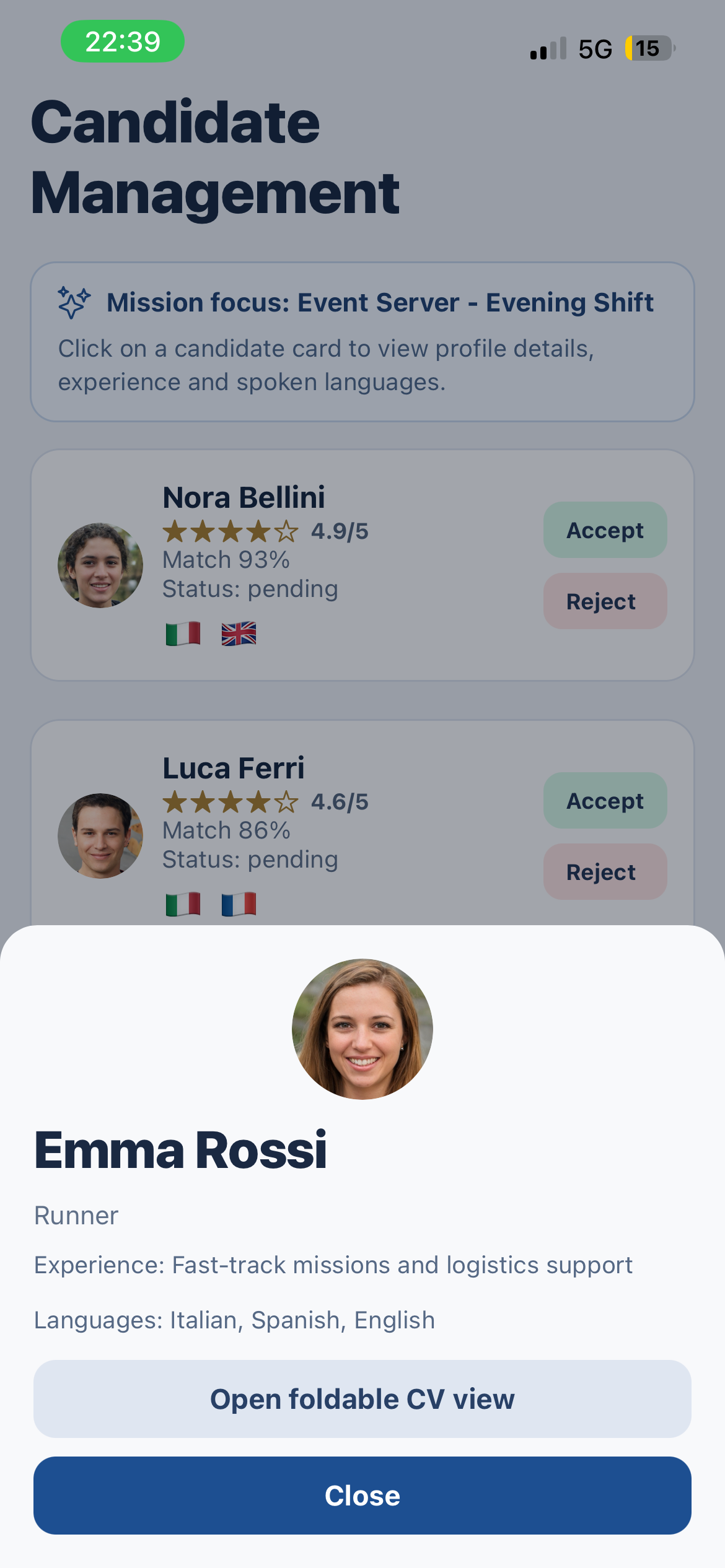
Matched worker profiles are reviewed and the best candidate is selected for the mission.
Step 6
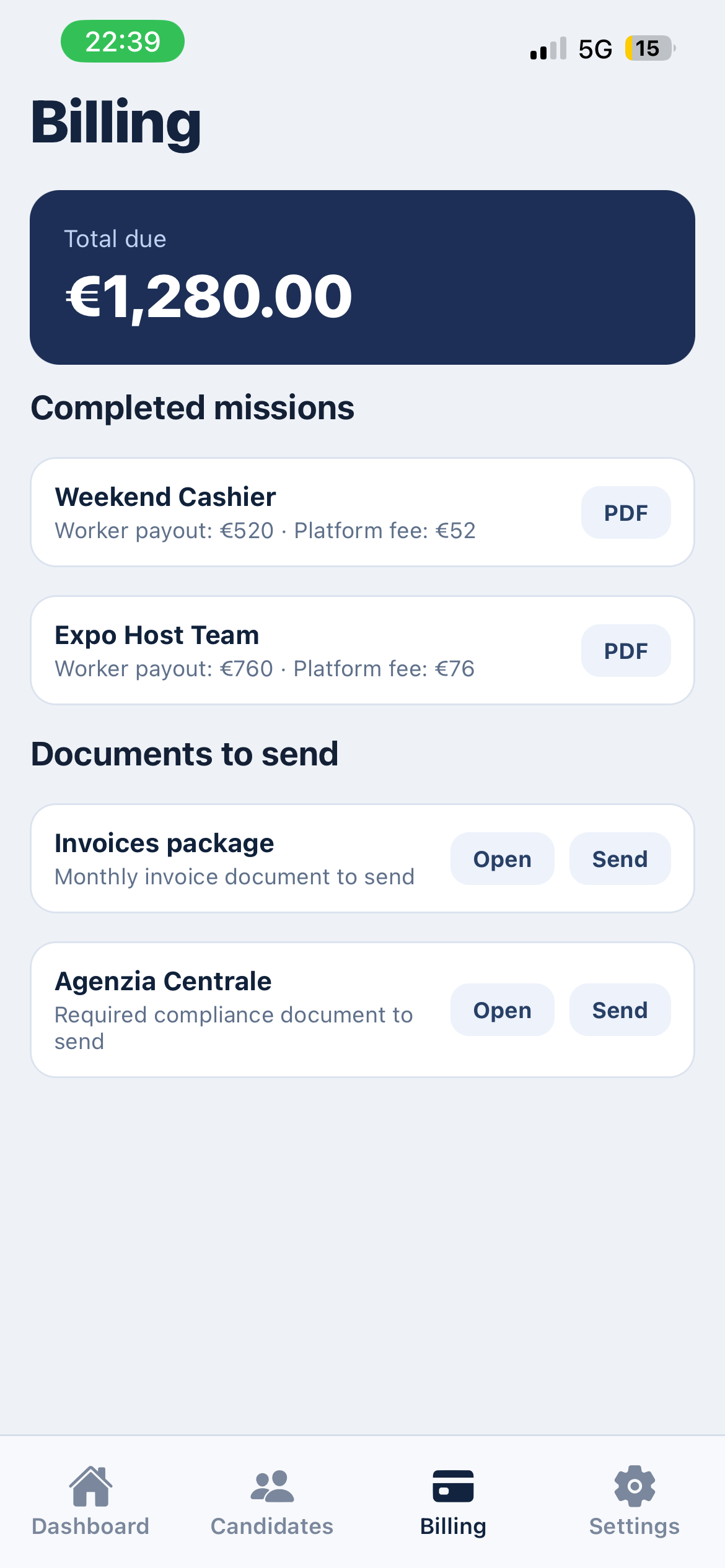
All billing elements and required agency documents are available in one clean final view.
For employers: faster hiring and cleaner operations. For workers: clear missions, digital contracts, and fast payment.
Back to Top